
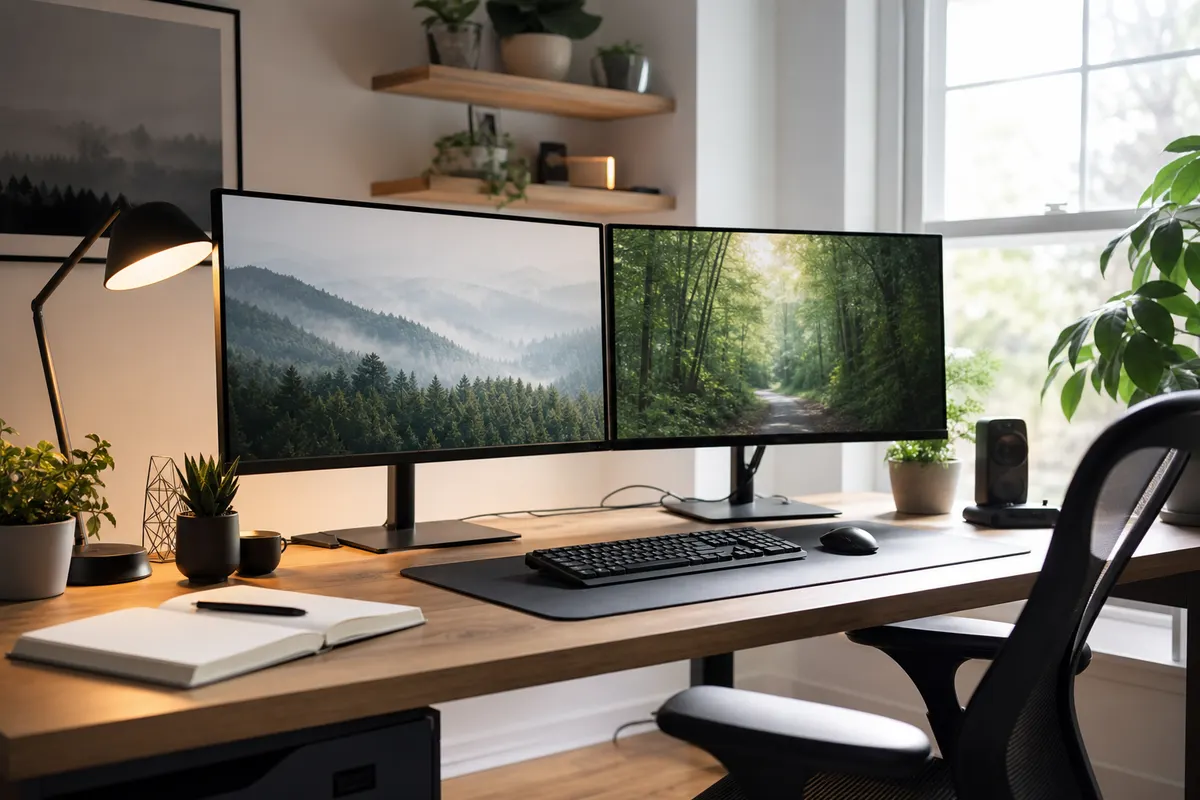
A home office can include more than a laptop. Screens, ergonomic chairs, printers, microphones and specialist tools add up quickly, yet their treatment under contents cover can depend on ownership and use.
Check item and category limits
A total contents sum insured is only the first number. Policies may impose limits for computers, accessories or business equipment. Items regularly taken outside the home can require a separate portable-items consideration.
Clarify employer equipment
Ask your employer whether supplied devices are insured and what you must do after theft or damage. Personal cover may not be designed to replace property that belongs to someone else.
Record the essentials
Photograph the setup, retain receipts and list serial numbers. Include cables, docks and peripherals that are easy to overlook. Review the list after a role change or major equipment upgrade.
Consider equipment away from the desk
A monitor fixed to a wall and a laptop carried to meetings may be treated differently. Check portable-items terms, theft-from-vehicle conditions and single-item limits for devices that leave home. The total contents figure is not the only number that matters.
If a contractor, client or employer owns the equipment, ask them about their process before a loss occurs. Their policy and your contents policy may have different responsibilities, and neither should be assumed to replace the other.
Keep the workspace current
Update serial numbers, receipts and photos after upgrades. Include docks, chargers, microphones and specialist accessories, which can be expensive collectively. A secure backup of work files is a separate practical control that insurance may not provide.
- Record owner and replacement cost for each item.
- Check home and portable-use wording.
- Store receipts and serial numbers off-site.
- Confirm employer reporting requirements.